




Draw the shelves you actually own.
Start from IKEA Kallax, Stocubo, a crate, or build your own. Enter the real sizes in centimeters, and the map on your phone looks like the wall in your room.

Shelfify maps your shelves and tells you exactly where every vinyl, CD and cassette you own lives. Connects to Discogs, scrobbles to Last.fm, works offline.


Shelfify
Your real shelves, mirrored on your phone. Scroll to see how.
01 · Add your room
Living room, study, the hallway cupboard. Add each one in Shelfify.
02 · Design your shelf
Same rows, same columns as the real one. Every compartment gets a name, A1 to D4.
03 · Import and assign
Import every record in one go, then put each one in the compartment it really sits in.
04 · Find
Search an artist, an album or a song. Shelfify shows the room, the shelf and the compartment.
05 · The exact spot
Fifth from the left in C2. Pull it out and set it as Now Spinning.
Shelfify
Free on iPhone, iPad and Android.
Let's set up your first shelf!
Tap one of the shelf templates below to place it in your room, or open the Custom tab to set your own dimensions.
Kallax · 4 × 4
Importing from Discogs
0 records
Find Record/Song
2,154
records
975
placed
~72d 22h
playtime
Search by title, artist, year, label, or catalog number to find records in your collection.
Radiohead - Pablo Honey
2008 • Capitol Records • 0777 7 81409 1 7
Living Room
Position 6 from left
Row 2, Column 3 of Kallax 4×4
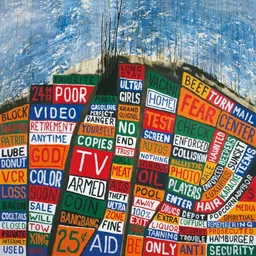
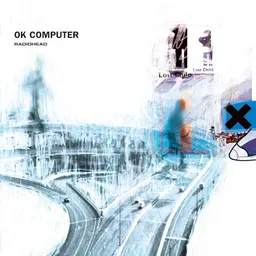


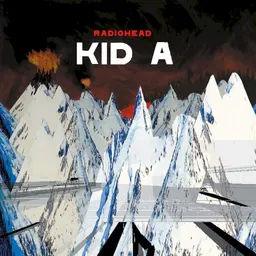
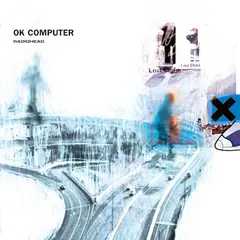
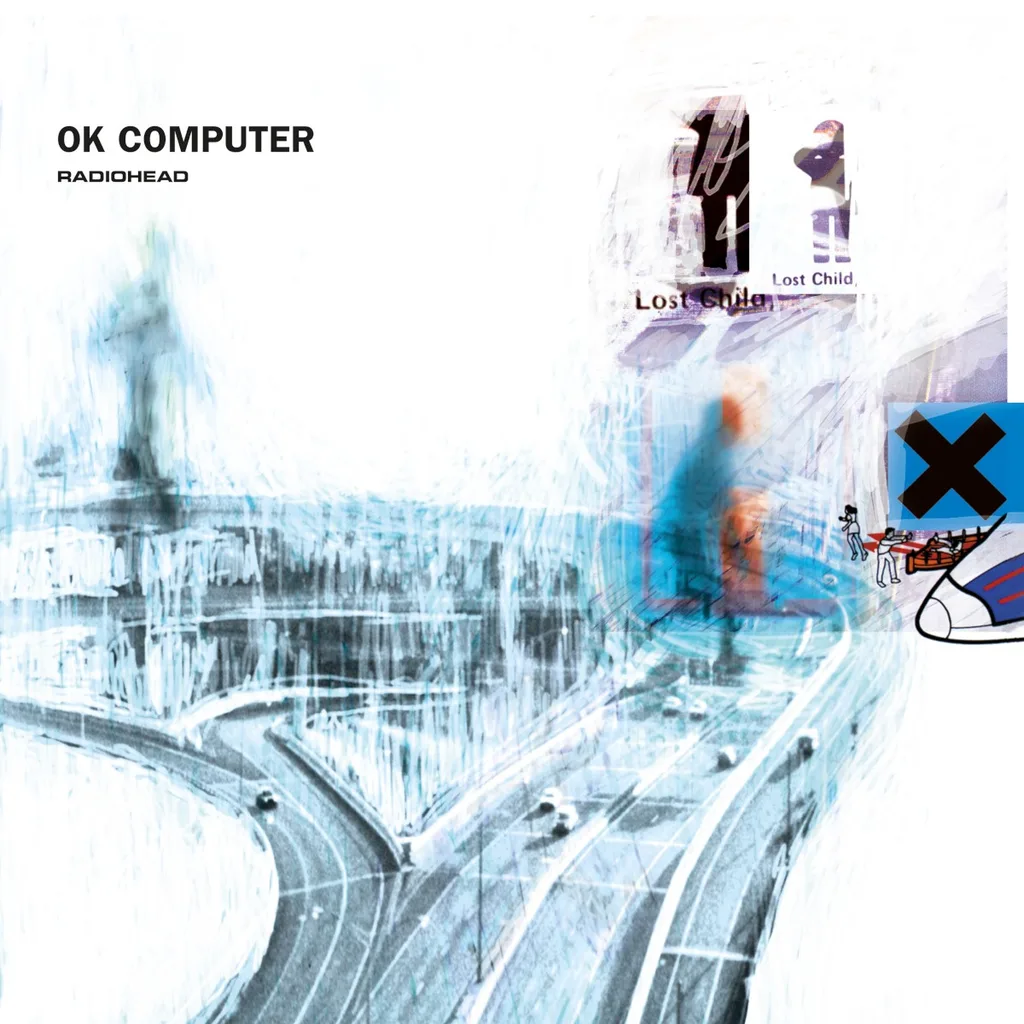
Radiohead - OK Computer
2008 • Capitol Records • 7243 8 55229 1 8
Living Room
Position 5 from left
Row 2, Column 3 of Kallax 4×4
Radiohead - Hail To The Thief
2008 • Capitol Records • 724358454314
Living Room
Position 4 from left
Row 2, Column 3 of Kallax 4×4
Radiohead - The Bends
2014 • Parlophone • 7243 8 29626 1 8
Living Room
Position 7 from left
Row 2, Column 3 of Kallax 4×4
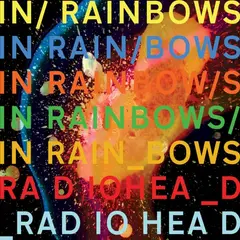
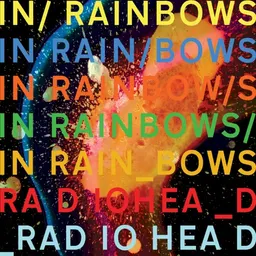
Radiohead - In Rainbows
2007 • XL Recordings • XLLP 324
Living Room
Position 3 from left
Row 2, Column 3 of Kallax 4×4
Record Details
 1/13
Radiohead
OK Computer
2008 · US
Vinyl, LP, Album
Capitol Records
Add your photoLocation
Living Room
Position 5 from left
Row 2, Column 3 of Kallax 4×4
Notes & Condition
Tracklist (12)
EENY
A1Airbag4:44
A2Paranoid Android6:23
Airbag
Side A · A1 · 4:44
ⓘ No sound
Start from IKEA Kallax, Stocubo, a crate, or build your own. Enter the real sizes in centimeters, and the map on your phone looks like the wall in your room.
Shelfify works alongside Discogs, not against it. Keep using the catalog you love, just add physical location tracking.
Search by title or artist and Shelfify shows the room, the shelf, the compartment and the position from the left. Tap a shelf to see everything inside it.

Type a song title and Shelfify finds the record it's on, plus the side and track number, like B2. Then it shows you the shelf, the compartment and the position, so you can pull the record and drop the needle on the right song.

New in 1.1.0
Shelfify 1.1.0 puts your collection on your home screen, follows the record on your turntable and turns your shelves into a game.

Record of the Day, Now Spinning and your collection stats on iPhone, iPad and Android, and on the iPhone Lock Screen. Each record shows where it lives, like “3 from right”, and shuffle shows another one without opening the app.

Set the record on your turntable as Now Spinning. Shelfify follows the side, scrobbles each track to Last.fm with Pro and tells you when to flip, on the Lock Screen and in the Dynamic Island too. Share it as a card or a short video for your story.

Five games built from your own records: name a blurred cover, tap the compartment a record lives in, guess older or newer, and more. They unlock at 50 records and work offline.

Record details now puts the cover, its spot on the shelf, your notes and the condition first. Pick grades from M to P, fill in your own Discogs fields, and it all syncs to Discogs.
A few of the things Shelfify quietly does that don't fit on a screenshot.
Can't decide what to listen to? Let Shelfify pick for you. Filter by format and genre, spin, and get a random record with its exact shelf location.
Scrobble the records you play to Last.fm, a whole album or a single track. Set a record as Now Spinning and Shelfify scrobbles each track as the side plays. Scrobbling is part of Pro.
Turn your collection into pictures and short videos for your story: Now Spinning, Shelfify Wrapped, Collection DNA, a festival poster of your top artists, a gold record for your milestones and your Last.fm chart.
Plan a set, mark the tracks you'll play, and see the total length. Pull each record with its exact spot on the map, check it off as it goes in the bag, and put everything back where it lives after the gig. With Pro, a set can also become a Spotify playlist.
Set media and sleeve grades from M to P in two taps, write notes, and fill in your own Discogs fields, like what you paid. Every change syncs to Discogs, with a few seconds to undo it.
Point the camera at a sleeve and Shelfify shows the matching record from your collection and its shelf spot. Or search a song title and get the record, the side and the track, like B2.
Type an artist in iPhone search to see where the record sits (Pro). Press and hold the app icon for Find, Scan, Random pick and Now Spinning, or put Random Record on the Action button.
Sync your Discogs wantlist and discover releases from artists in your collection that you don't own yet.
Got a barcode on your record? Scan it with your camera instead of typing. Shelfify looks it up on Discogs and lets you assign it to a shelf instantly.
Your rooms, shelves and record positions stay on your device. Search, organize and browse your collection without internet. Full record details need a connection.
Export your entire setup as an encrypted backup file. Share via AirDrop or email, and restore on any device. Your rooms, shelves, and record assignments, all safe.
Screenshots from the Shelfify app on iPhone and iPad.


Everything you need to know about Shelfify.
Shelfify works for vinyl records, CDs and cassettes, so it organizes a CD collection as well as a record collection. Records can be added manually or imported from a connected Discogs collection.
No separate Shelfify account is ever required, and connecting Discogs is optional too. You can set up your shelves and add records manually. We recommend connecting Discogs if you have a collection there: it imports your records, folders, and artwork in one step, and keeps your Shelfify data in sync with it. Learn more about the Discogs integration.
Yes. Shelfify isn't read-only. When you add or remove records, edit conditions and notes, or update your wantlist in Shelfify, those changes sync back to your Discogs account automatically. Room layouts and shelf positions are local only.
Shelfify doesn't run its own server for your data. Your rooms, shelves, and shelf-location assignments stay on your device. If you connect Discogs, your collection metadata syncs with your Discogs account (that's how it gets there), and if you enable Last.fm scrobbling, your listening activity is sent to Last.fm. Neither of those is a Shelfify server, and both are optional.
Yes! When you install Shelfify, Pro features are unlocked for 30 days, except data export and backup, which always require an active Pro subscription. No credit card required. After the trial, you keep 1 room with the first 4 compartments accessible, and up to 100 mapped records. Your organized records stay in place, but anything beyond those limits is locked until you subscribe.
Pro gives you unlimited rooms, compartments, and mapped records, plus advanced search, artist discovery, barcode scanning, data export & backup, random record picker, Last.fm scrobbling and iPhone search (Spotlight). Data export and backup always require an active Pro subscription, they're the one feature the 30-day trial doesn't unlock. See all features.
Very accurate! You enter real-world dimensions in centimeters, and choose from templates like IKEA Kallax, Stocubo, crates, or fully custom shelves. See screenshots.
Shelfify includes templates for IKEA Kallax, Stocubo, record crates, and fully custom shelves. You can set exact dimensions, colors, and divider configurations.
Mostly yes. Browsing your shelves, finding record positions, and searching your collection all work offline with cached thumbnails. Full Discogs record details, marketplace pricing, wantlist/discovery sync, and Last.fm scrobbling need an internet connection.
Create a room, enter edit mode, and browse shelf templates. Shelfify includes IKEA Kallax (1×1 to 5×5), Stocubo cubes, record crates, and fully custom shelves. Set real-world dimensions in centimeters, customize frame colors and divider thickness, then drag shelves into position on the canvas.
Tap any compartment on your shelf, then tap '+' to add records. You can browse your imported Discogs collection, search the Discogs database, scan a barcode, or bulk-assign an entire Discogs folder. Drag and drop to reorder records within a compartment.
Search your local collection instantly by title, artist, year, label, or catalog number. No internet needed. When you find a record, Shelfify shows its exact physical location: which room, which shelf, which compartment, and even its neighboring records. You can also search by song title (Shelfify shows the record, the side and the track number, like B2), scan a barcode, or point the camera at the cover to find the record in your collection.
Can't decide what to listen to? The Random Picker selects a record from your collection. Filter by format (vinyl, CD, cassette) and genre to narrow the selection. It shows the cover art, artist, album, and shelf location so you can find it immediately. You can also scrobble it directly to Last.fm.
Last.fm tracks your listening history. Most scrobbling happens through Spotify or Apple Music, but physical record plays don't get tracked. Shelfify bridges this gap. When you play a vinyl, you can scrobble it to Last.fm so your listening history stays complete. It calculates natural timestamps from track durations. Set a record as Now Spinning and Shelfify scrobbles each track as it plays, or scrobble a whole album or one track by hand. Scrobbling is part of Pro.
Yes. Shelfify Pro lets you export your entire setup as an encrypted .shelfify backup file. Share it via AirDrop, email, or save to Files. When importing on another device, Shelfify checks your Discogs account. Same account restores everything, different account imports just the room and shelf layouts.
Your Discogs wantlist syncs automatically and refreshes every 24 hours. The Discovery feature scans artists in your collection to find releases you don't own yet. Filter by year, format, and exclude compilations. Add interesting finds to your Discogs wantlist with one tap.
Open any record and scroll to the Marketplace section to see the lowest price currently listed for that release on the Discogs marketplace, along with how many copies are for sale. The price comes directly from Discogs and is cached for 24 hours per release. Marketplace value is a Pro feature and requires an internet connection.
Yes. Setlists let you plan a set, mark the tracks you'll play and see the total length. When you pack, every record shows its exact spot so you can pull it fast and check it off, and after the gig the same map shows where each one goes back. One setlist is free, unlimited setlists come with Pro. With Pro you can also turn the marked tracks into a Spotify playlist (experimental, up to 60 tracks).
Yes. On iPhone, iPad and Android there are three home screen widgets: Record of the Day (a daily pick from the records on your shelves, with a shuffle button), Now Spinning (the record on your turntable) and Collection Stats. Each record widget shows where the record lives. On iPhone they also come in Lock Screen sizes. The widgets are free.
Set a record as Now Spinning from its details when you put it on. Shelfify plays no sound: it follows the side using the track lengths from Discogs, scrobbles each track to Last.fm (Pro) and tells you when it is time to flip. On iPhone it can stay on the Lock Screen and in the Dynamic Island. You can also share the record as a Now Spinning picture or short video for your story.
Know your collection has five games made from your own records: Focus Pull (name a blurred cover before it sharpens), Shelf Hunt (tap the compartment a record lives in), Older or Newer (guess the pressing year), First In (find the record you added first) and Label Swipe (true or false on record labels). They unlock once you have 50 records in at least 4 compartments, keep your best scores and a daily streak, and work offline.
Yes. Share your shelf turns your collection into pictures and short videos in story (9:16) or post (4:5) size: Now Spinning, Shelfify Wrapped, Collection DNA, Shelfest, Milestones, your Last.fm chart and a Wall Timelapse video. Share straight to an Instagram story, or through the share sheet to any other app. Everything is made on your phone.
Try every Pro feature free for 30 days. No credit card, no account.